Script editing
Edit video as fast as a document.
Highlight the words you don't want and press Delete. The footage goes, the gap closes, and the cut lands in a natural pause.
Free forever · No credit card required · Works in your browser
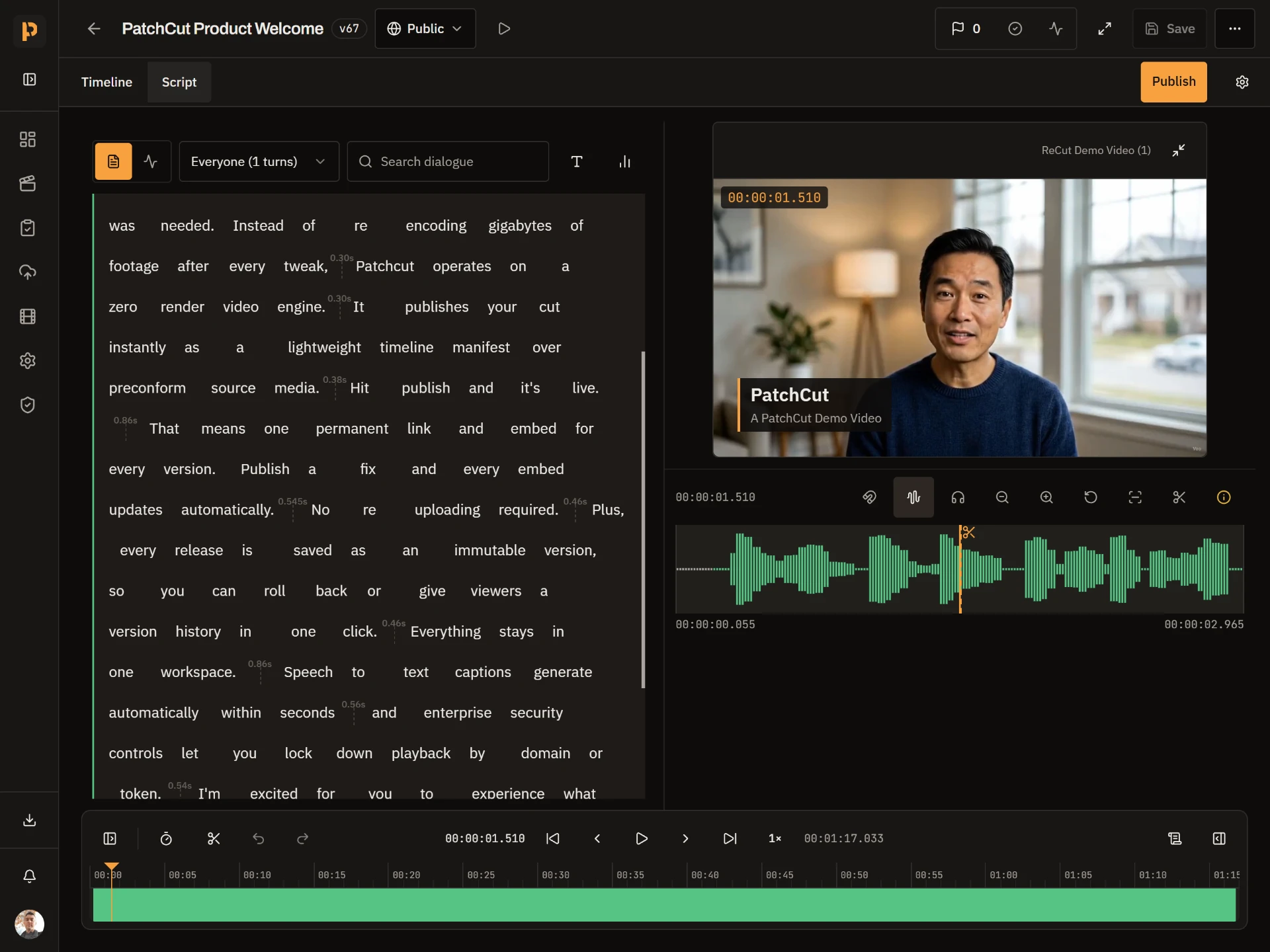
Cut from the words
Select across speakers and clips like normal text. Delete removes the footage; editing a word only fixes the caption.
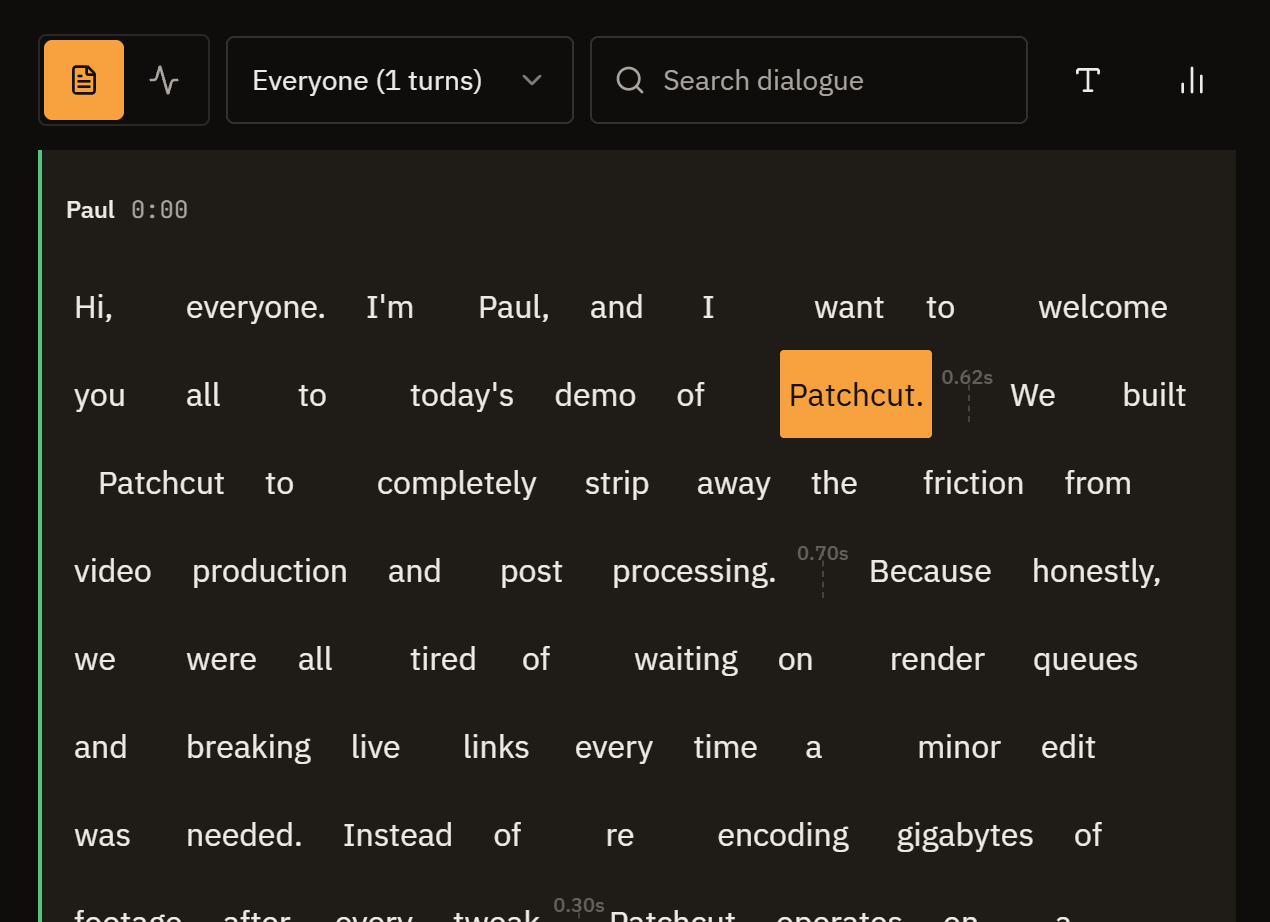
Fine-tune the rhythm
Press R for Rhythm mode to tighten pauses on the waveform, then audition the cut before you commit.
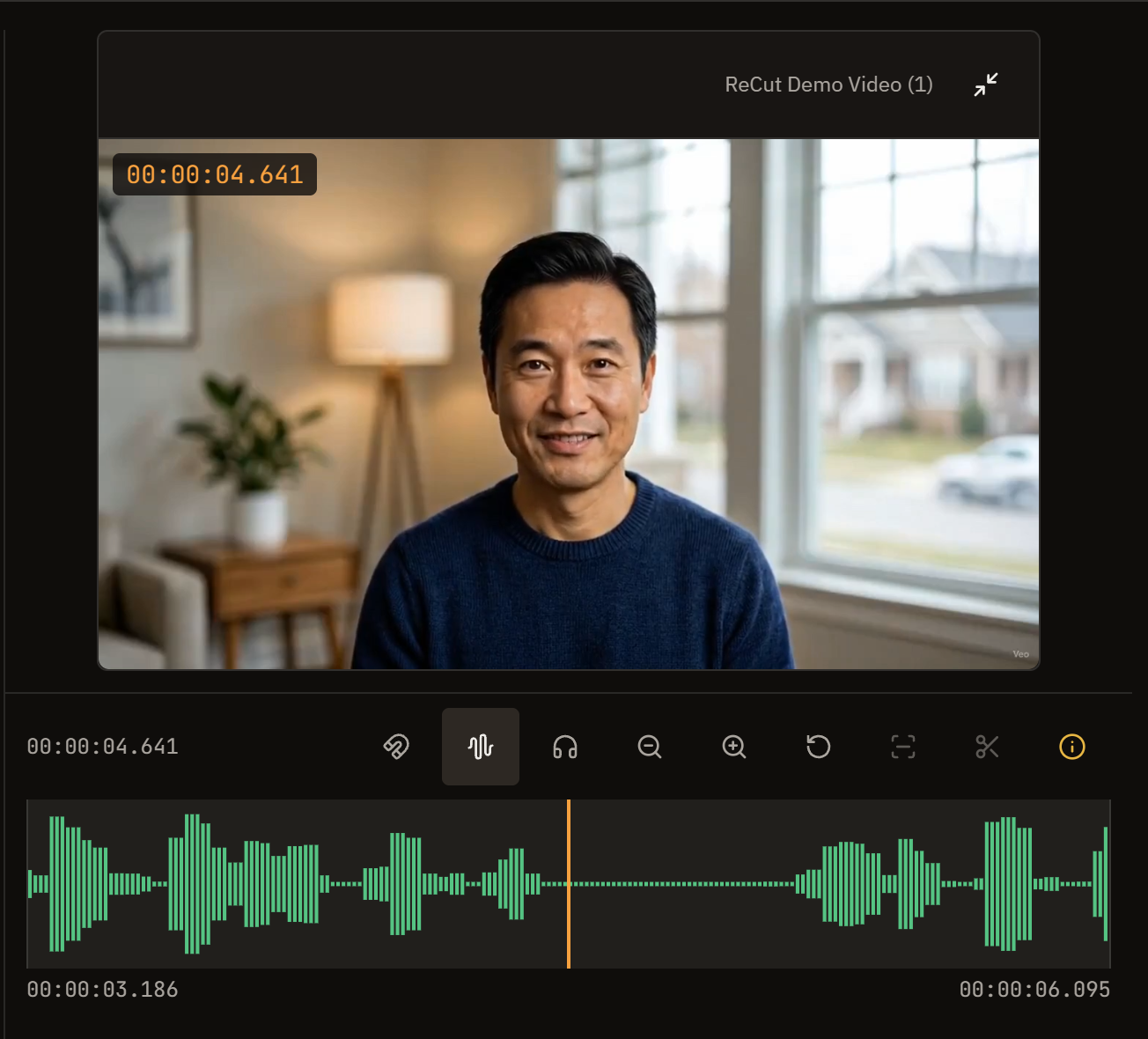
Why edit spoken dialogue like an audio engineer?Edit video like a document. Select what was said and hit Delete.
Cut your next video from its script
Upload a clip and it is transcribed for you.
Free forever · No credit card required · Works in your browser